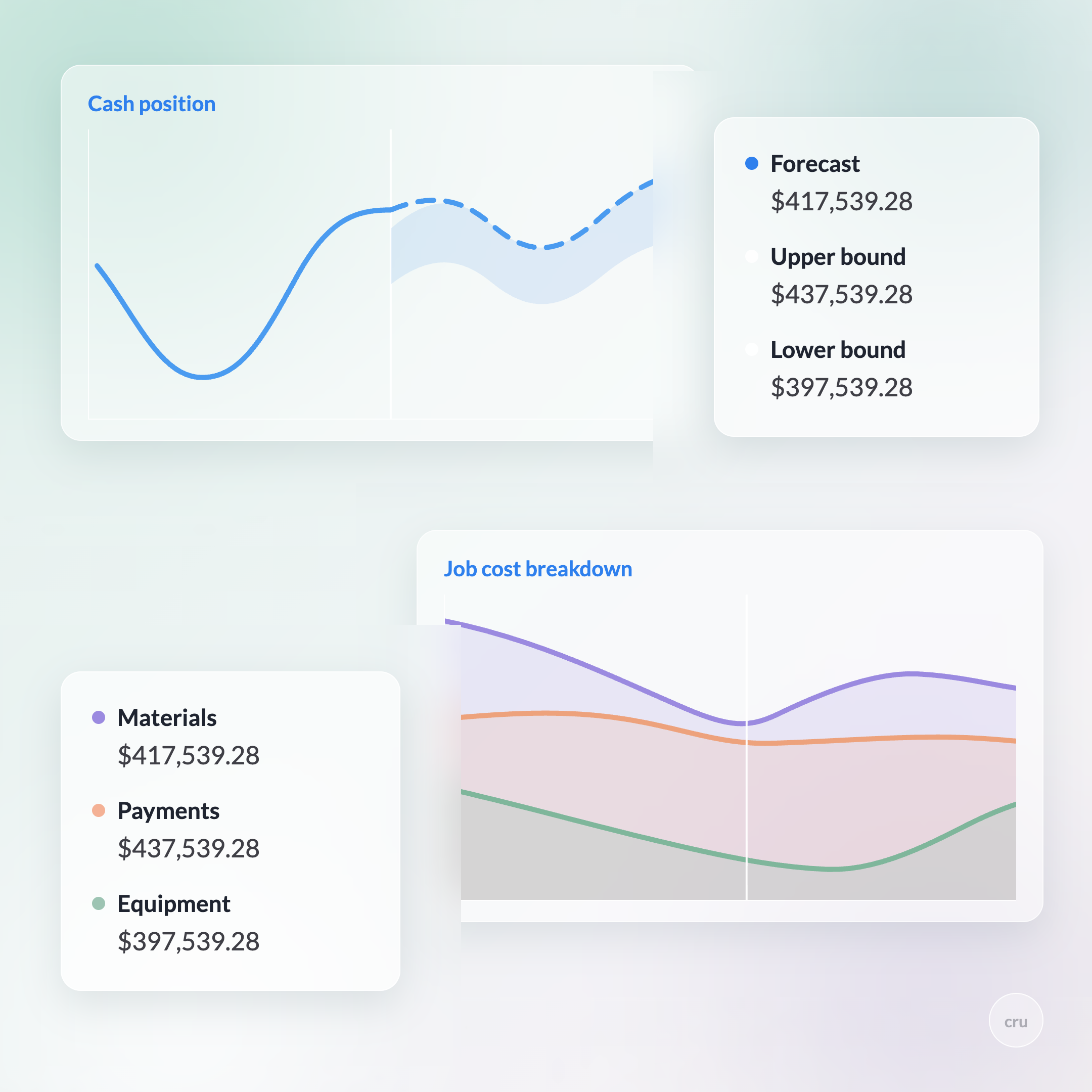
You're running a multi-million-dollar project out of a workbook. Labor hours in one tab, material invoices in another, and a monthly ritual of hoping the numbers reconcile before close. Somewhere in that stitching-together, margin quietly disappears. Here's the part worth saying plainly: the spreadsheet is free. The labor to keep it honest is not.
What spreadsheets actually cost you
Excel is genuinely good software, that's not the complaint. The complaint is that a spreadsheet can't talk to another spreadsheet, so the second you have more than one project manager entering data, you've got isolated tabs that don't reconcile and no one notices until month-end.
Research out of the University of Hawaii found that 88% of spreadsheets contain at least one formula error. On a single-tab expense report, that's an annoyance. Multiplied across linked workbooks tracking a multi-million-dollar job, a misaligned row or a forgotten negative sign becomes a real number, and industry estimates put the construction sector's losses from exactly this kind of data-quality problem at over $100 billion a year.
Picking the wrong accounting setup entirely, one that isn't built for construction, costs contractors an average of $47,000 a year in manual workarounds and job-cost inaccuracies, according to CFMA's 2025 benchmarking data. None of that includes the cost of the decisions you made on numbers that were already 30 to 45 days stale by the time you saw them.
What real-time job costing looks like instead
The pitch for AI accounting software is simple: it reads your invoices and bank feeds as they come in, codes them to the right job and cost code, and updates your numbers same-day instead of at month-end.
In practice, that means:
- Cost coding lands at 95%+ accuracy once the system has seen 200–300 invoices from a given vendor, it starts recognizing the pattern and coding it correctly on its own.
- Overruns surface in days, not the usual 30–45. A budget variance shows up while there's still time to do something about it, not after the job's already closed out at a loss.
- Monthly close shrinks by a week or more. CFMA's 2025 data shows a 34% reduction in job cost variances for contractors using purpose-built tools, and firms report cutting AP processing costs by more than half.
Fresher data isn't just tidier. It's the difference between catching a problem on an active job and writing a check to fix one that's already closed.
Cru: Job Costing Agent
Catch cost overruns in days, not 30 to 45
Cru's Job Costing Agent codes invoices and bank activity to the right job the same day they land, so a budget variance shows up while there's still time to fix it.
Book a demo →The ERP landscape for subs, honestly
Not every platform here is built for subcontractors, and that matters more than any feature list.
Sage 100 Contractor: $5,000–$15,000 to implement, built for GCs and larger specialty contractors ($5M–$500M+). Deep job costing, but enterprise complexity that most subs don't need.
Foundation Software: $400–$800/month, solid real-time job costing for mid-size contractors ($3M–$50M). Field hours entered at 3pm show up in reports minutes later. Not AI-native, and not built around subcontractor-specific workflows like retainage or GC compliance.
QuickBooks Contractor: $30–$90/month, fine for firms under $5M, but you'll need third-party add-ons for AIA billing and certified payroll. For a sub juggling retainage and GC pay-app requirements, that's a lot of duct tape.
Cru by Constrafor: built specifically for the $5M–$100M subcontractor segment the platforms above weren't designed for. Job costing is one of six agents running off the same connected data (cash forecasting, collections, materials, transactions, and COI compliance are the rest), so it's not a bolt-on feature. It's the same real-time books the rest of your back office runs on.
How the switch actually goes
Four things happen, roughly in this order, for firms that make this move:
They audit where the current process actually breaks, usually it's cost-to-complete inputs from project managers arriving late or inconsistently, which is what makes a WIP report unreliable in the first place.
They connect field data to finance instead of retyping it, so a change order or a field hour update shows up in the books the same day instead of at the next data-entry cycle.
They automate the highest-volume, most repetitive work first, invoice processing and cost coding, since that's where the fastest payback shows up.
And they shore up cash flow on the other side, since faster, cleaner books don't help much if you're still waiting 60+ days to get paid on what those books say you're owed.
TL;DR
- 88% of spreadsheets have at least one formula error, and construction's version of that costs the industry $100B+ a year.
- Picking the wrong accounting setup costs the average contractor $47K annually in workarounds alone.
- Real-time job costing catches overruns in days instead of the usual 30–45, and cuts job cost variances by 34%.
- Sage, Foundation, and QuickBooks all work, none of them were built specifically for subcontractor workflows.
- The fastest payback comes from automating invoice processing and cost coding first.
See your job costs update the same day, every day
Free to connect, no commitment. See your first cash flow forecast in minutes.
Book a demoSee how Cru's Job Costing Agent catches overruns while there's still time to fix them →